

About Split Keyboards - Wireless
Next steps
You've successfully assembled the keyboard. What's next?
Assembling the other half
If you haven't already, repeat the steps in this guide for the other half.
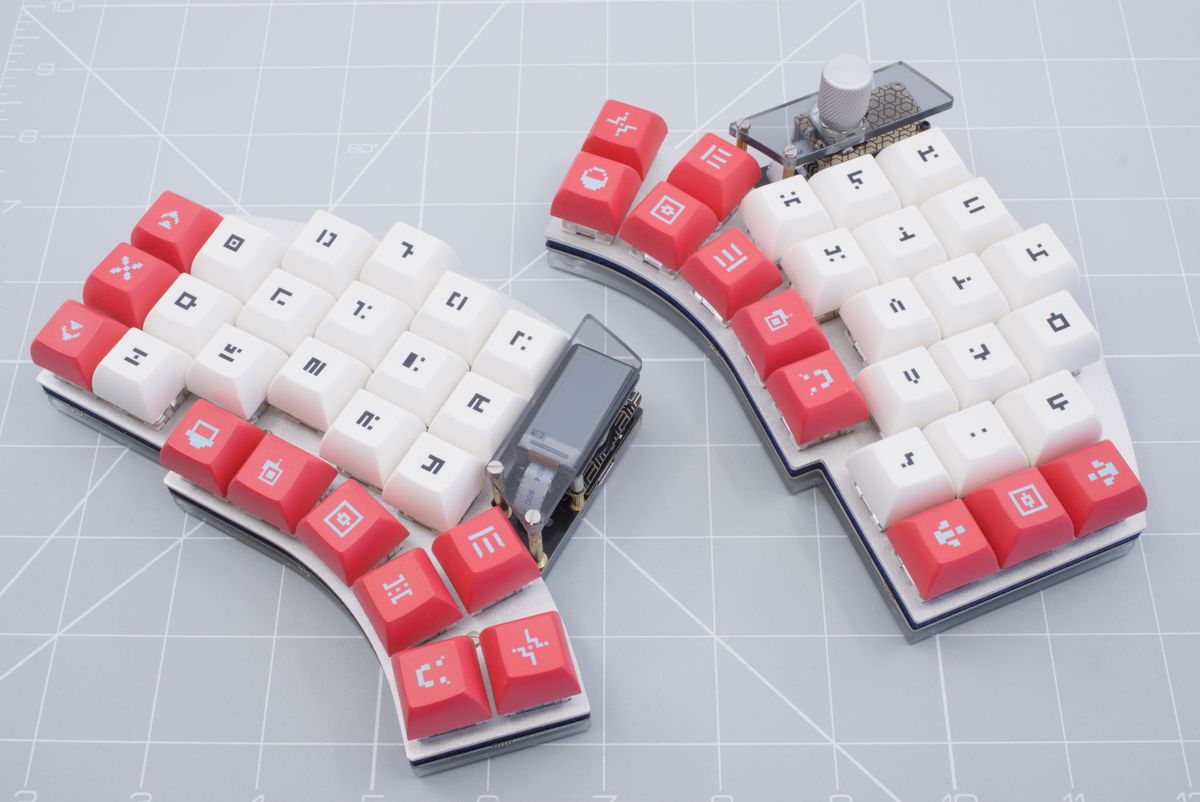
Completed split keyboard.
Turning on your keyboard
Plug in the Halcyon dongle in to your computer.
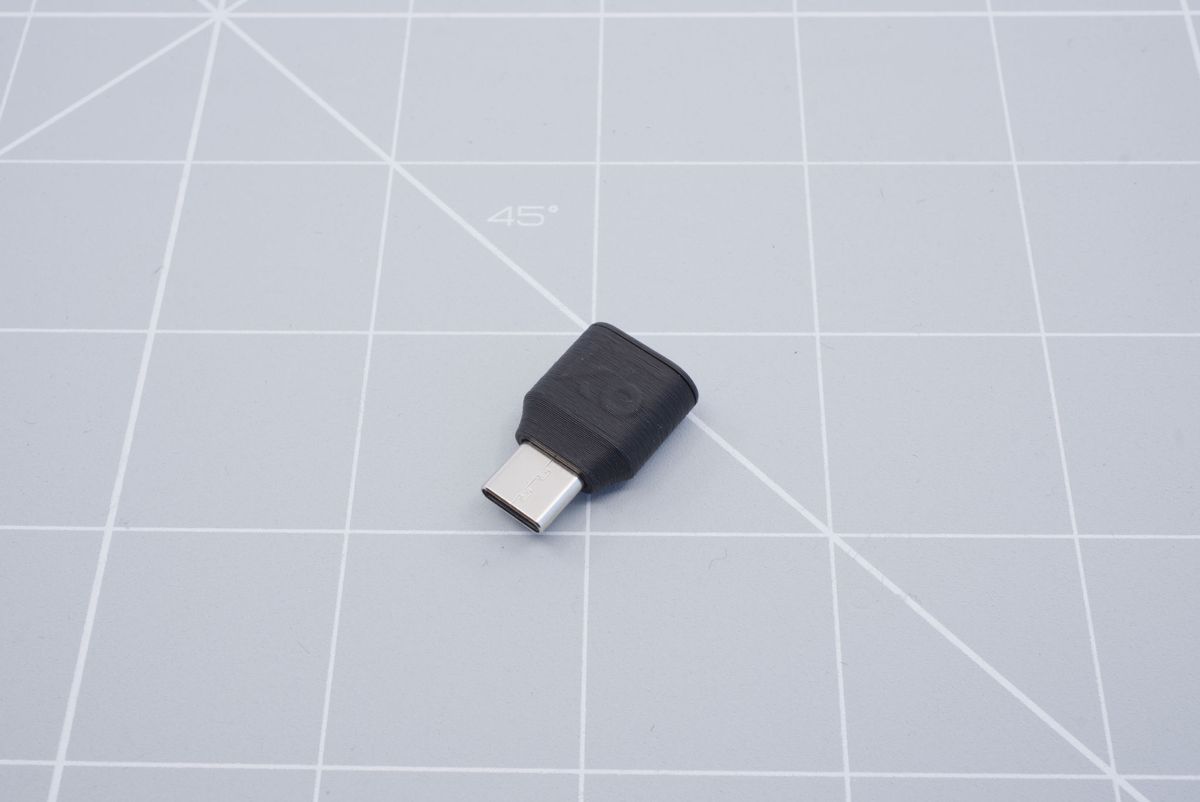
Halcyon dongle.
Turn on the keyboard using the power switch located on the battery board.
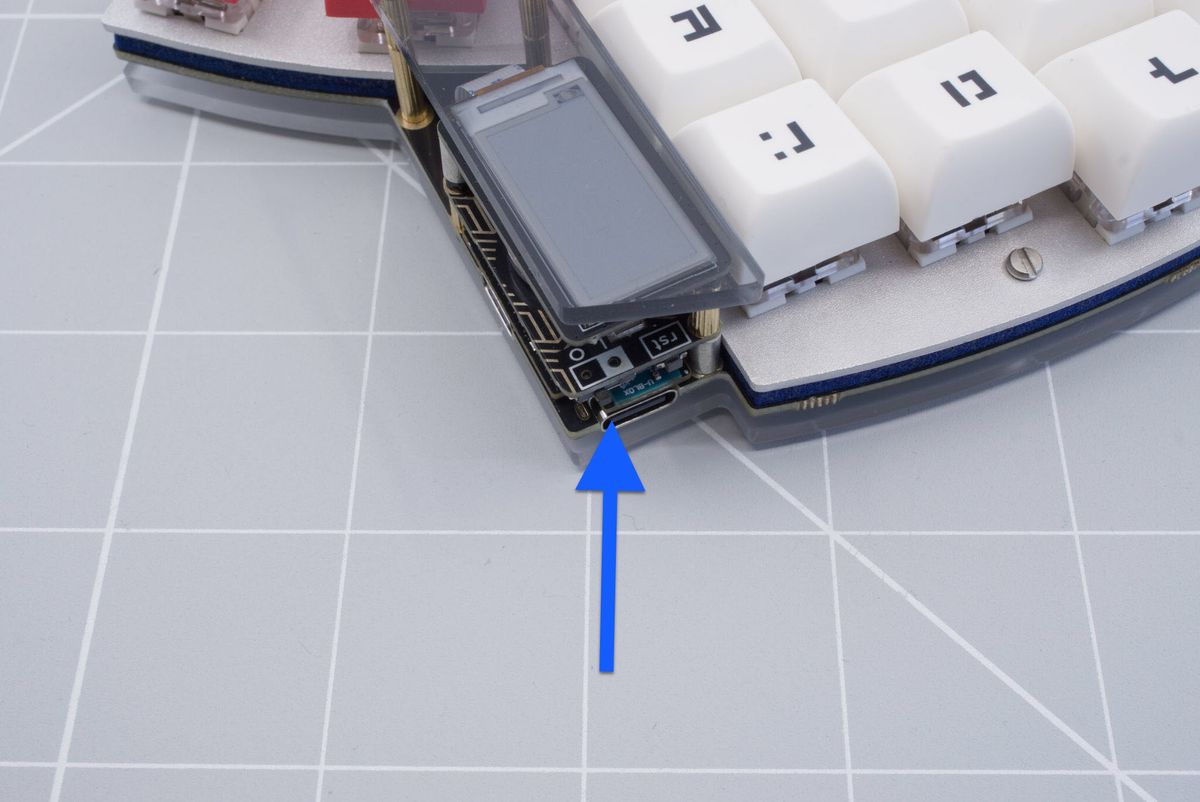
Position of the power switch on the battery board.
You can now continue with using your wireless keyboard!
Info: The halves themselves will not output anything to the computer, even when connected with a USB-cable. You must connect the dongle to the computer.
Go to the using your wireless keyboard page Questions? Help us improve!
Do you have questions after reading the documentation? Do you have feedback about this page, or about the documentation in general? Please send us an email. You can use the buttons below which will open your mail client or app with a template, or send your mail to support@splitkb.com.