

Replacing batteries
This page will instruct you on how to replace you Coin cell or LiPo battery on the battery boards.
Coin cell
When the coin cell battery inevitably runs out, it's easy to replace. Our Wireless Halcyon controller is compatibly with CR1632 batteries which are 3V and non-rechargeable.
First make sure to turn off your keyboard half.
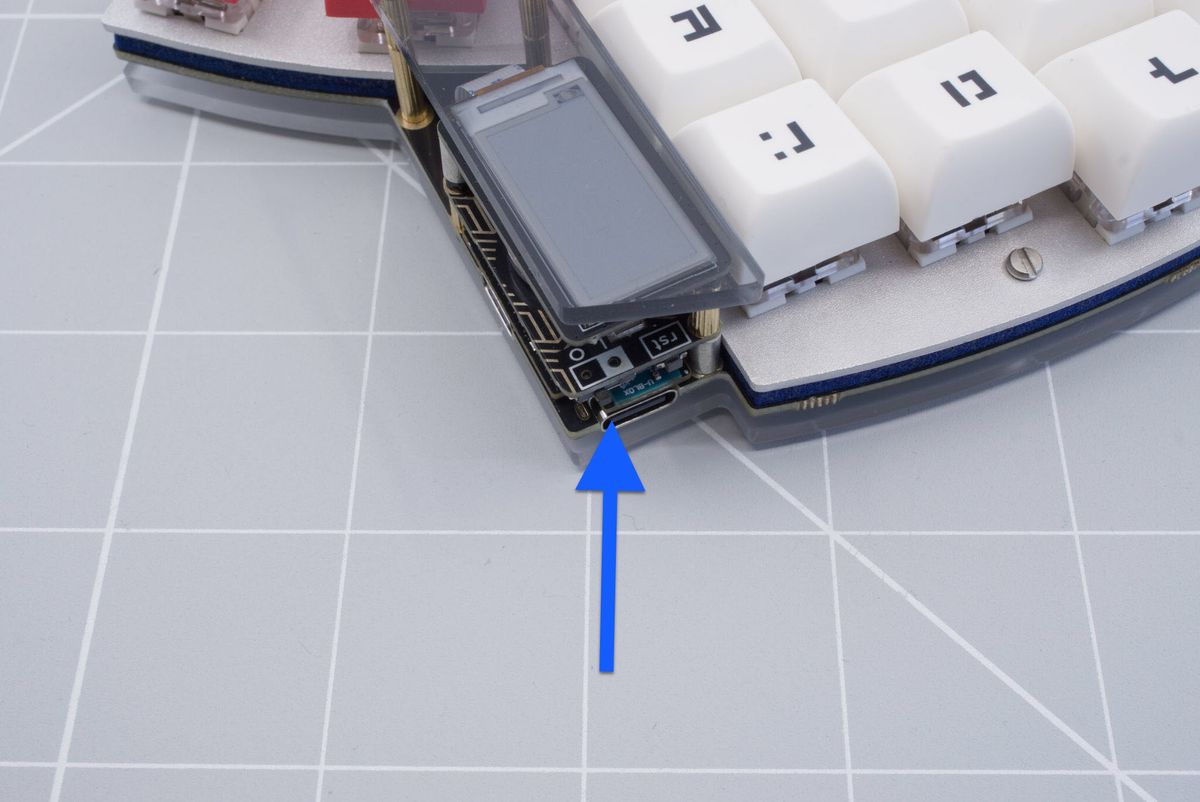
Switch in off position.
Using a screwdriver or any pointy tool you can reach in the back of the battery and push it out. You can do this with the module installed but just for clearer instructions the Halcyon module has been removed in the following images. You can use the top most standoff as a lever point to push the coin cell battery out.
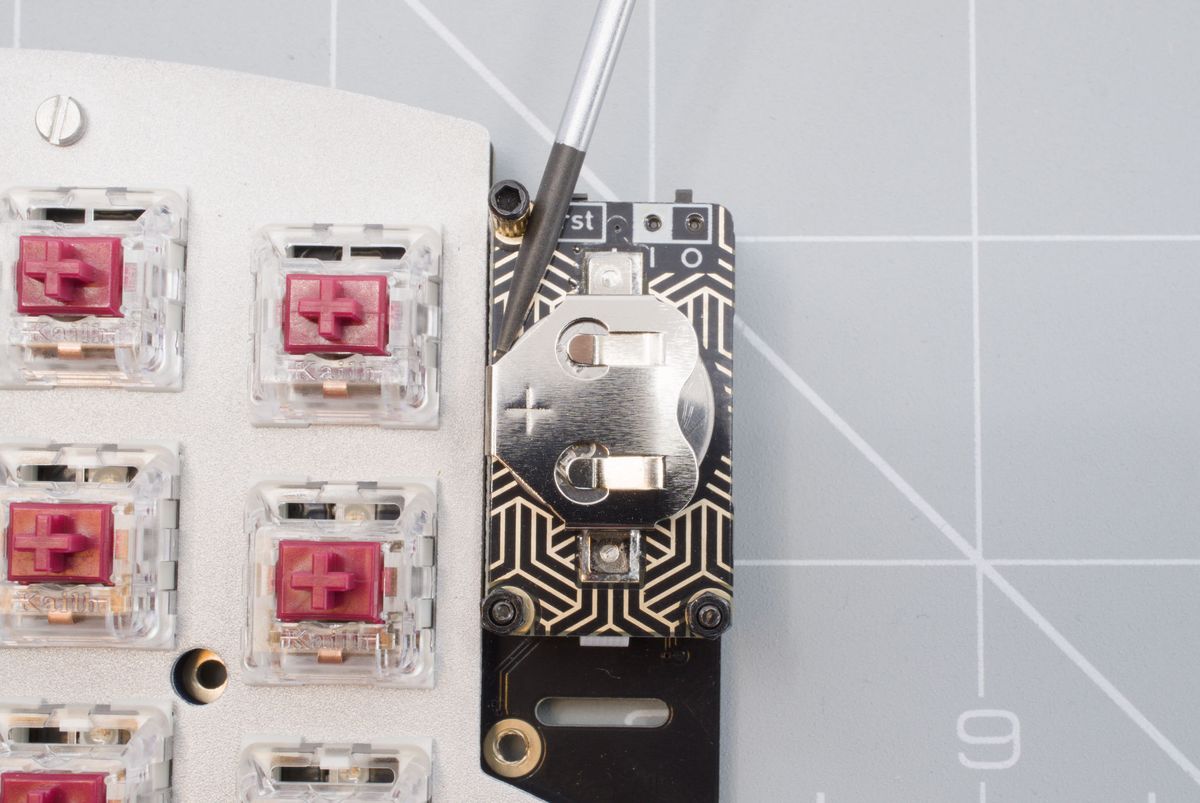
Pushing the coin cell battery out using a screwdriver.
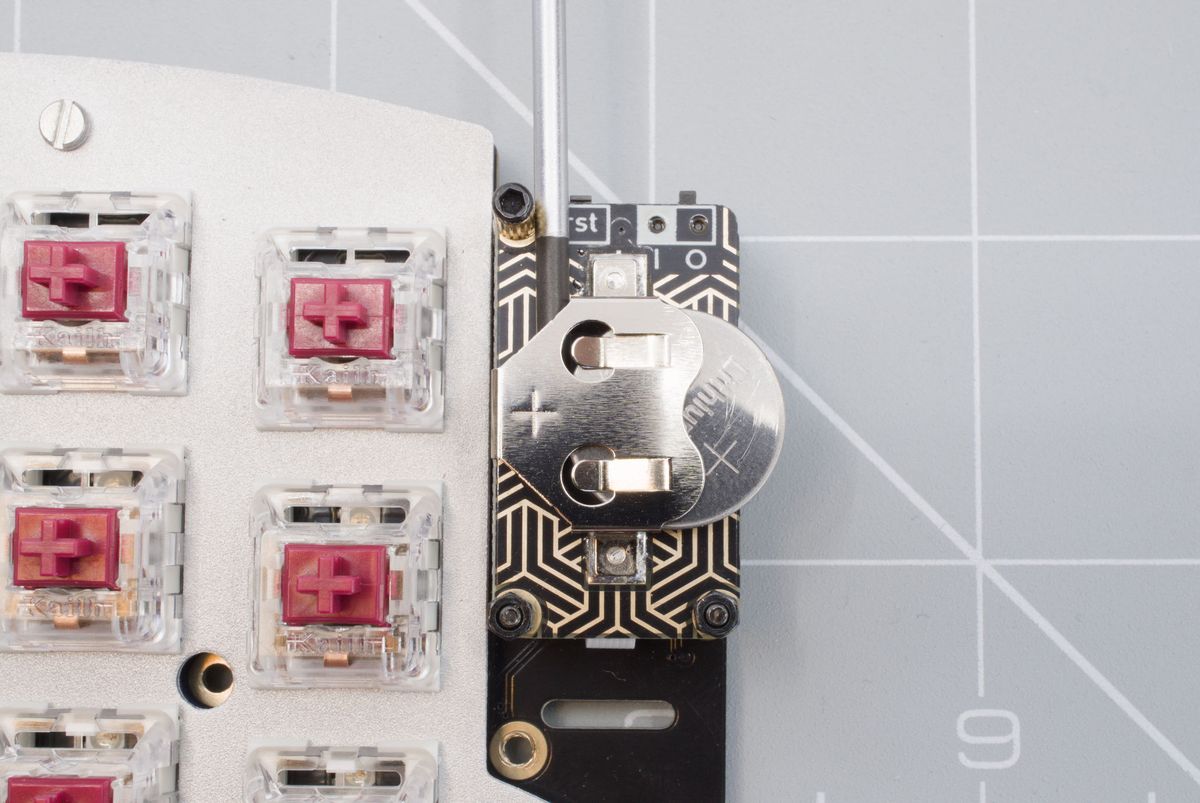
Top view without module installed.
The last bit you can remove with your fingers.
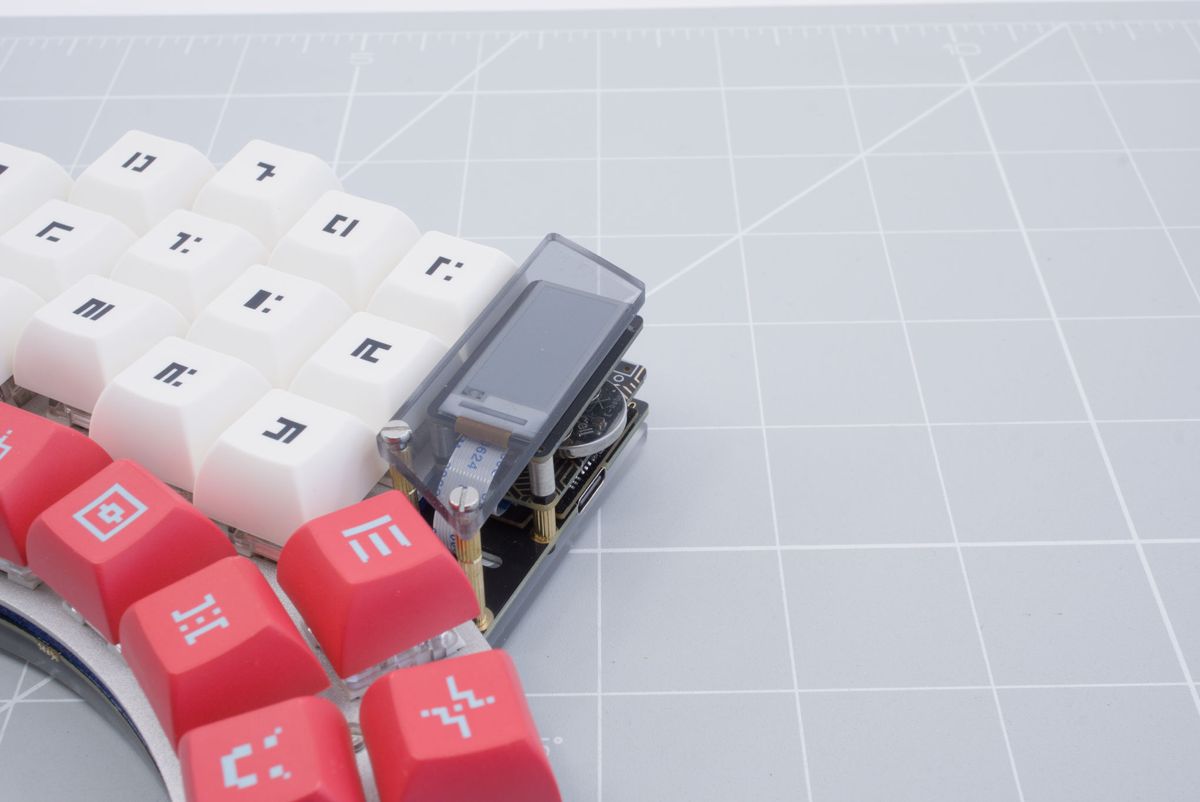
Removing coin cell battery.
Now grab your new battery and install it. Make sure that the little plus sign is facing up.
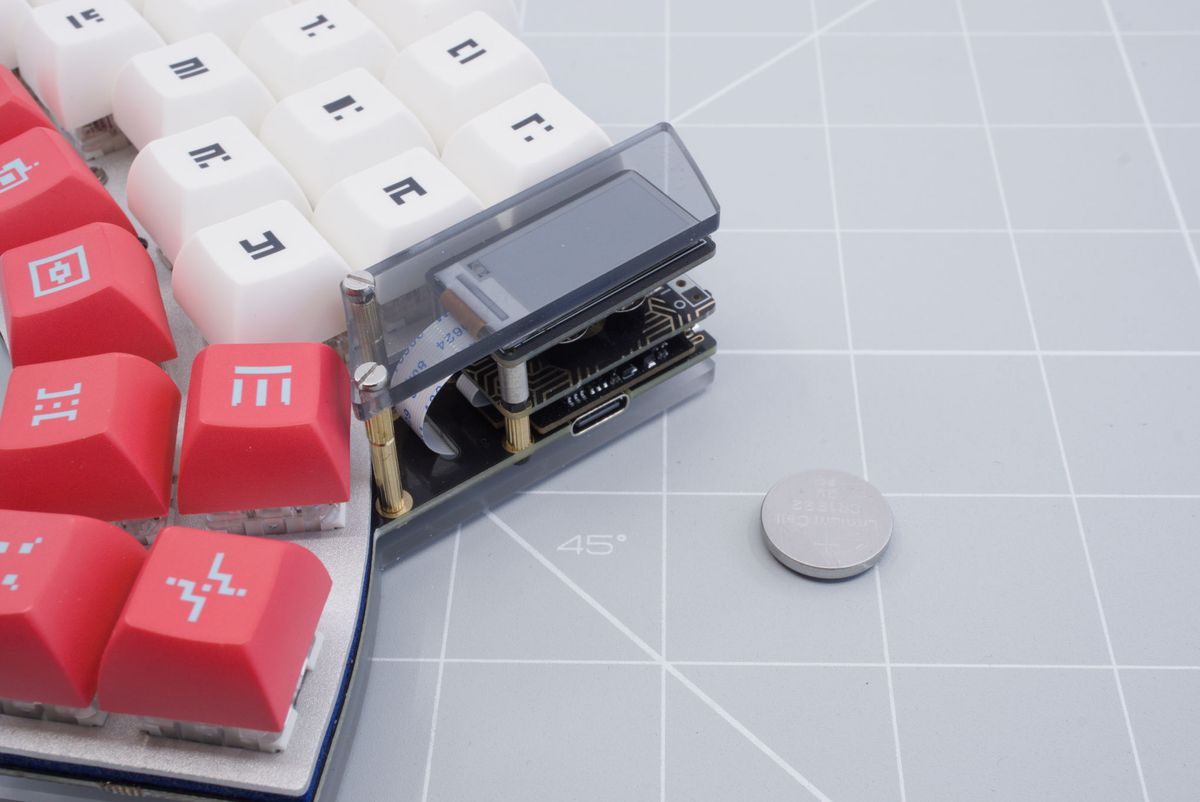
New coin cell battery.
Push in the battery all the way. You've successfully installed a new coin cell battery! Don't forgot to turn your keyboard back on.
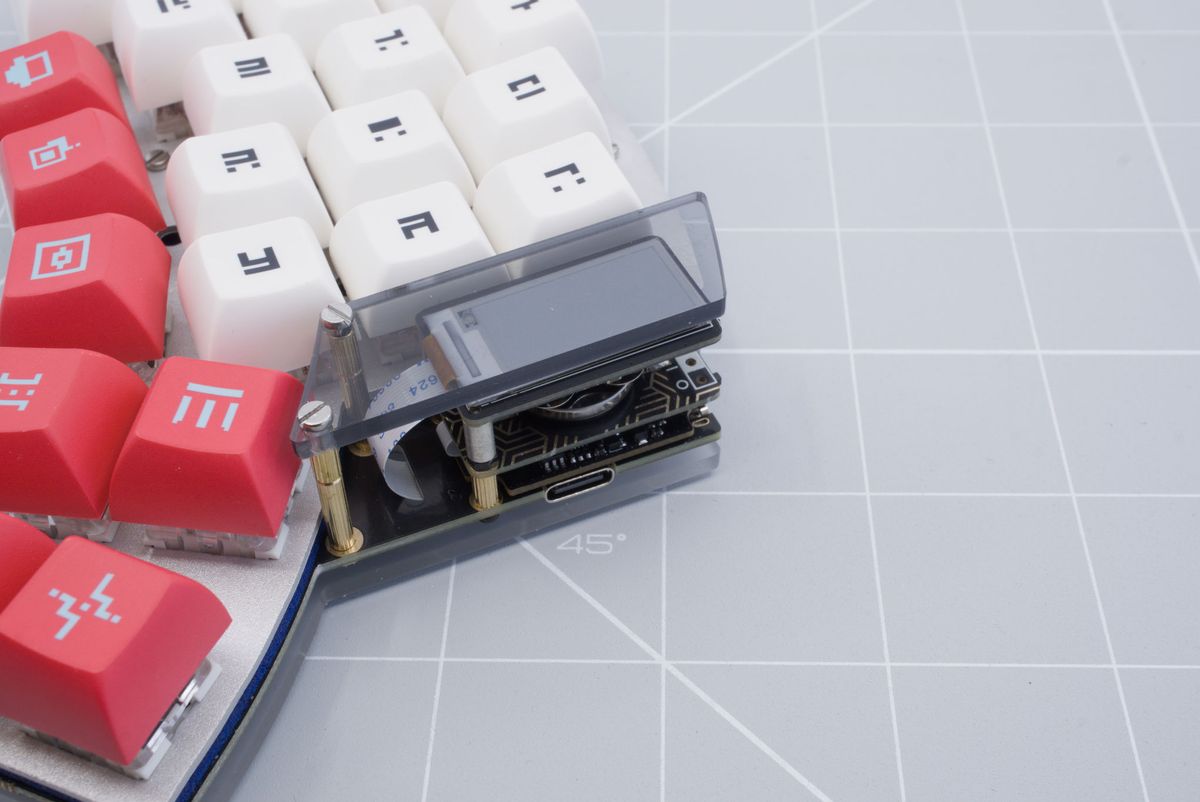
Installed coin cell battery.
LiPo
First make sure to turn off your keyboard half.
Switch in off position.
It is always recommended to not pull on the wires directly. The plug can be quite small to remove with your fingers. We recommend using tweezers instead.
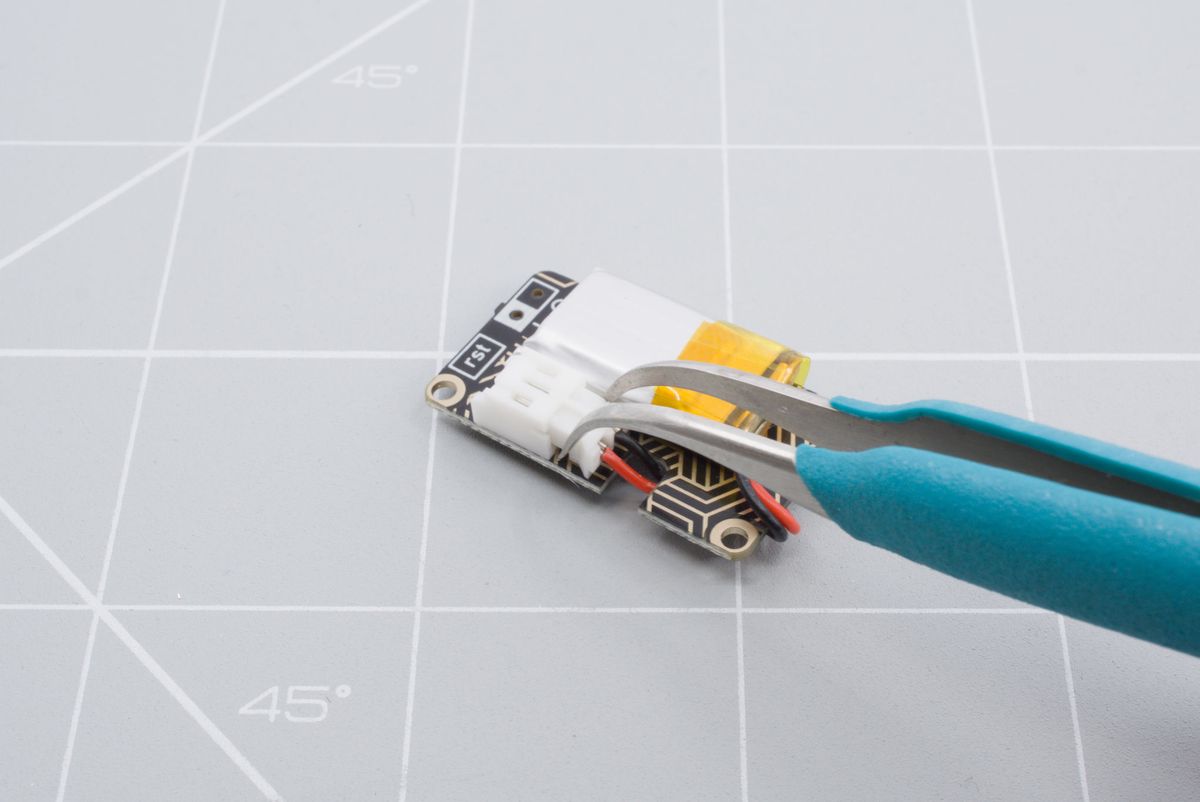
Unplugging the JST connector is easier using tweezers or pliers.
Remove the battery from the battery board. You may need to use a small plastic tool to pry up the battery from the tape.
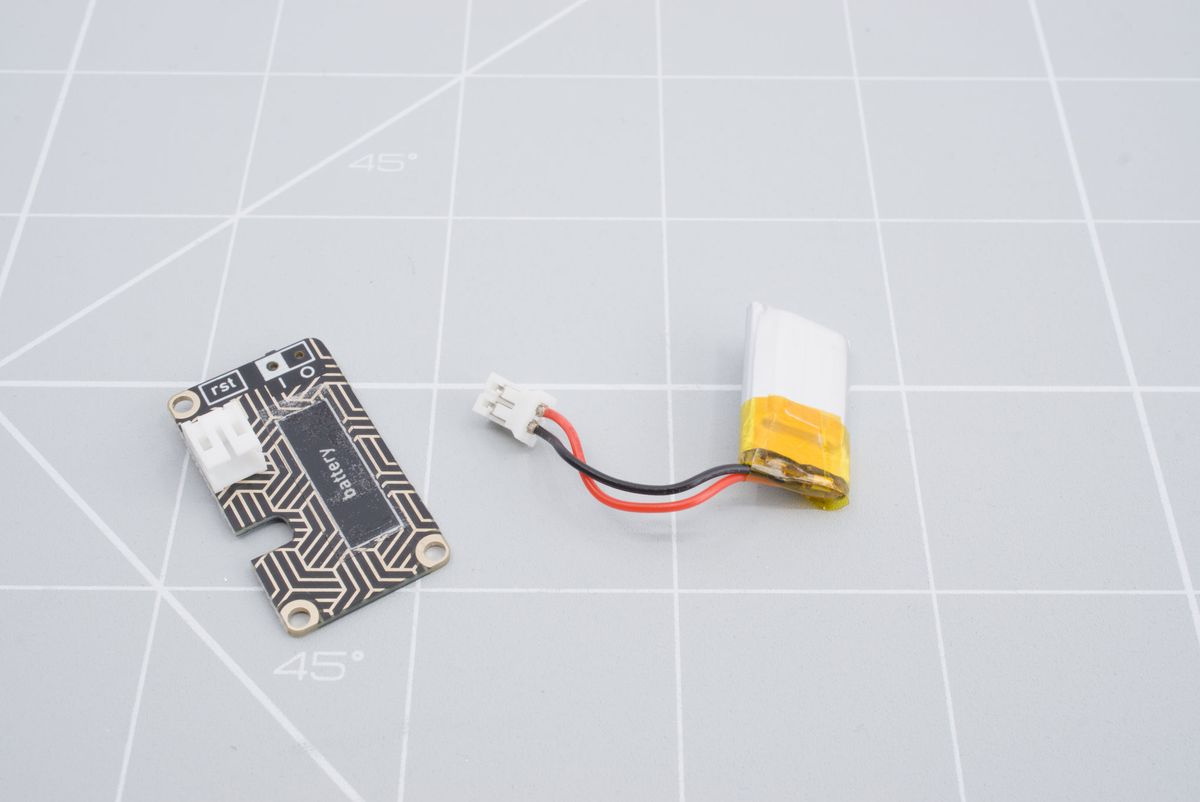
Once unplugged, you can reuse the battery for a future project or dispose of it at an appropriate facility.
The double-sided tape might not be able to be reused. But you can apply a new piece of double-sided tape in the marked area.
Now you can reinstall the new battery.
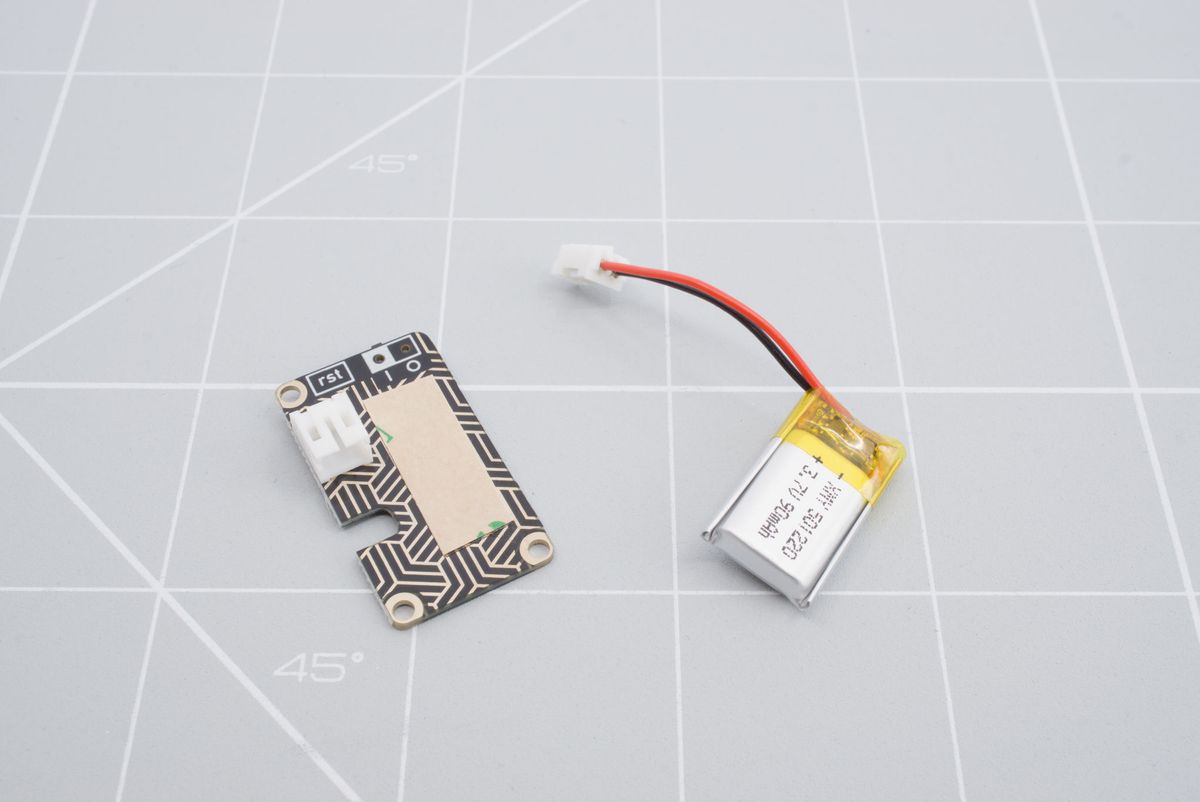
LiPo battery and LiPo battery board.
Remove the film on top of the double-sided tape if you have reapplied new tape.
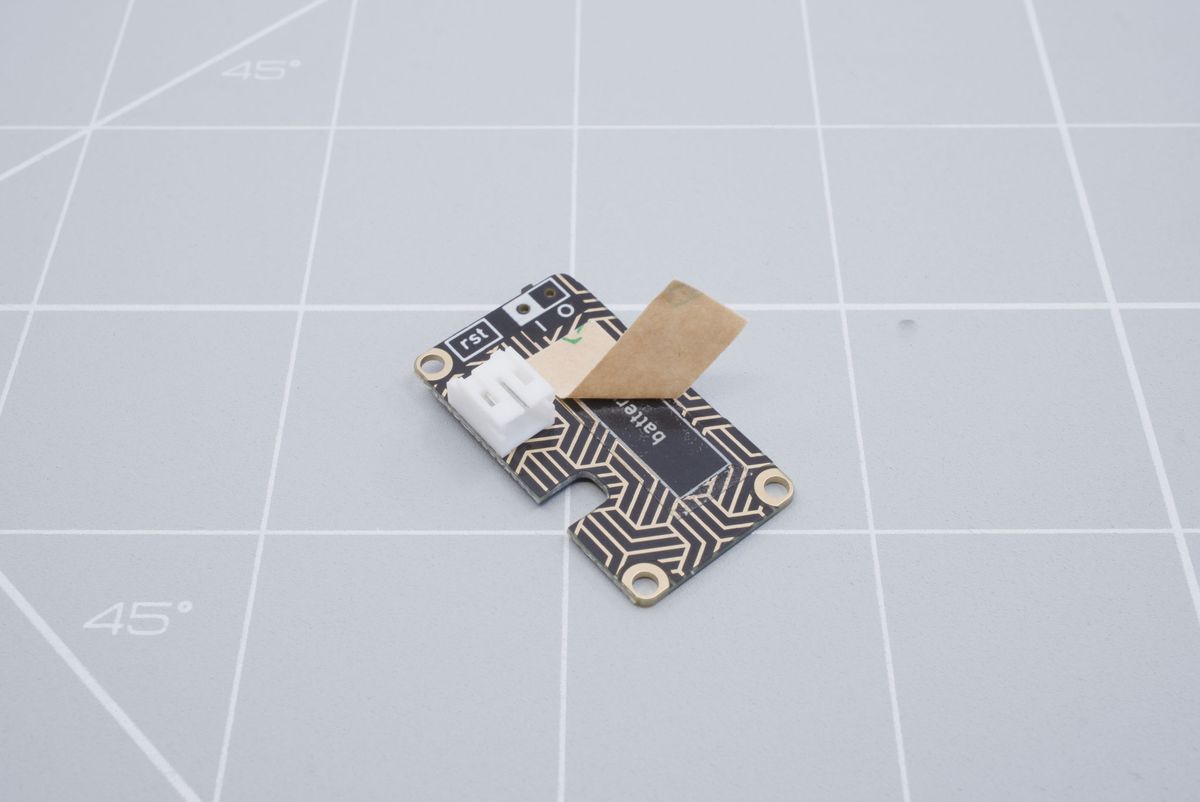
Removing the film of the double-sided tape.
Align the battery so the cable points in to the direction of the battery connector.
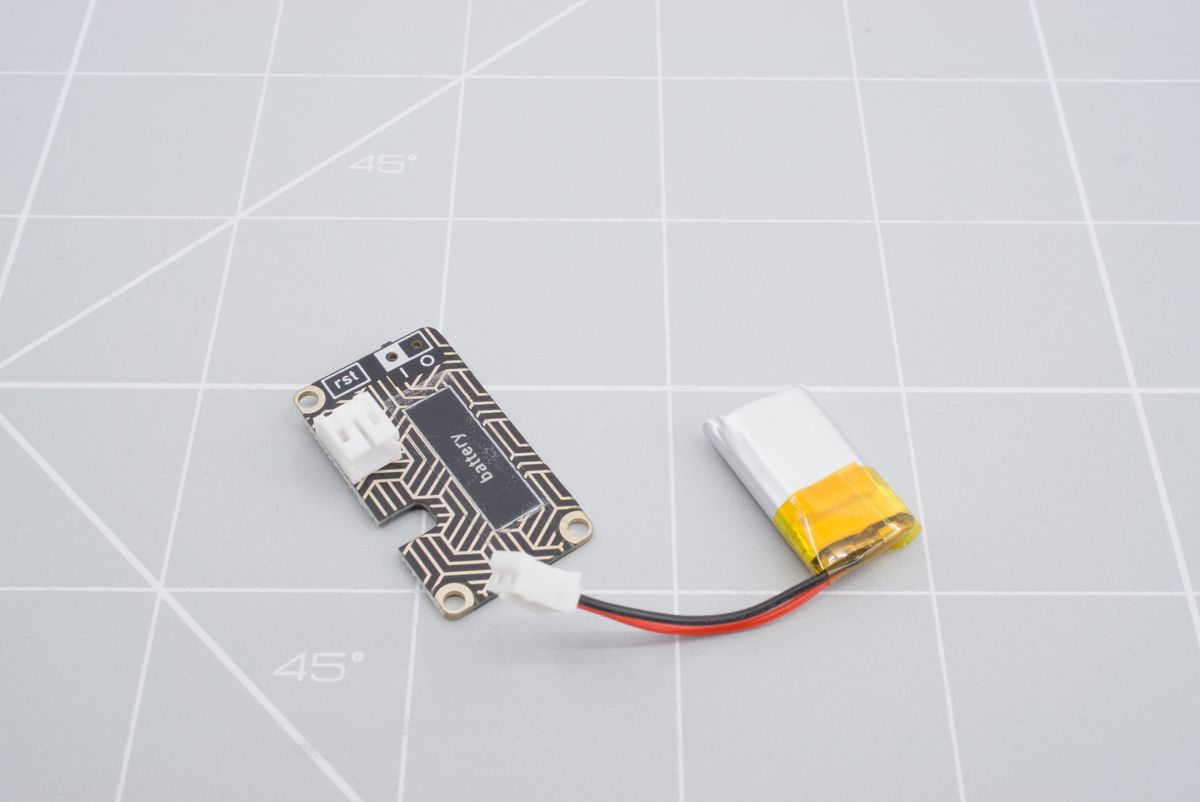
Aligning battery.
Now stick the battery on the battery board. Make sure to keep the mounting holes clear. If you're installing a different size battery, please see the instructions below.
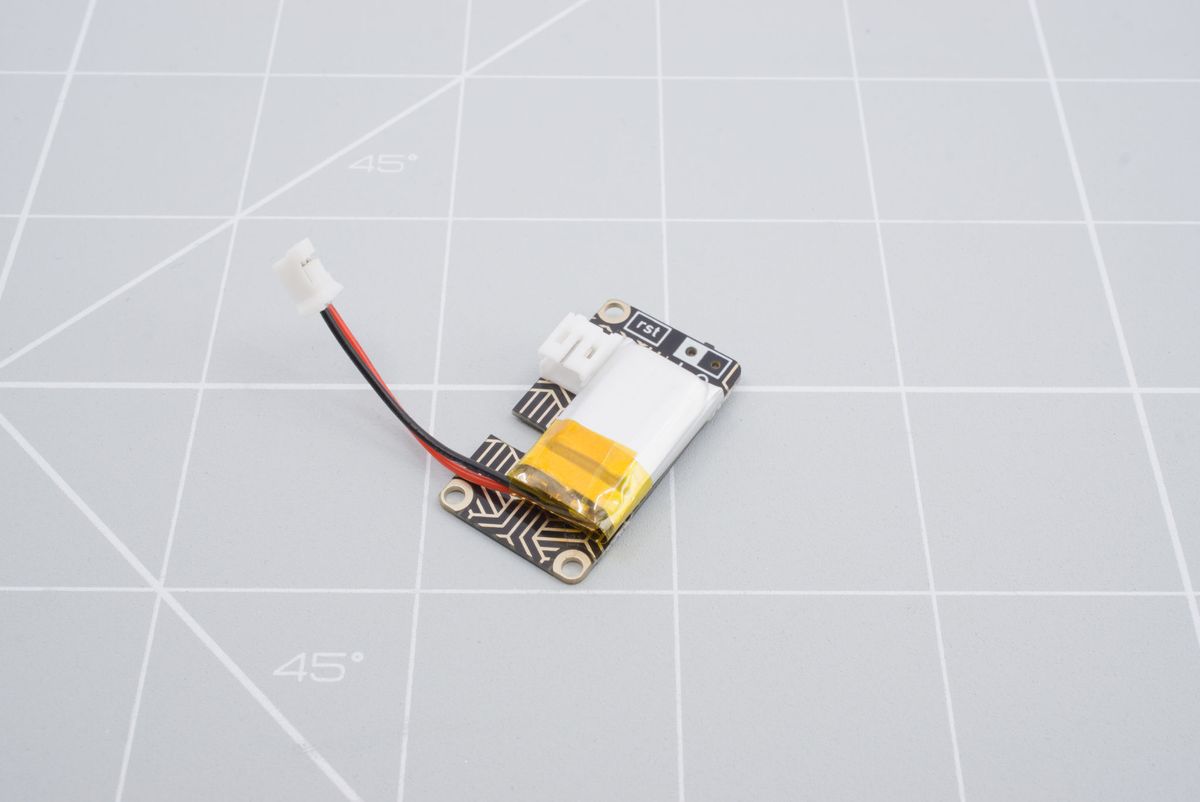
LiPo battery on the battery board.
You now can route the cable through the little slot and in to the connector.
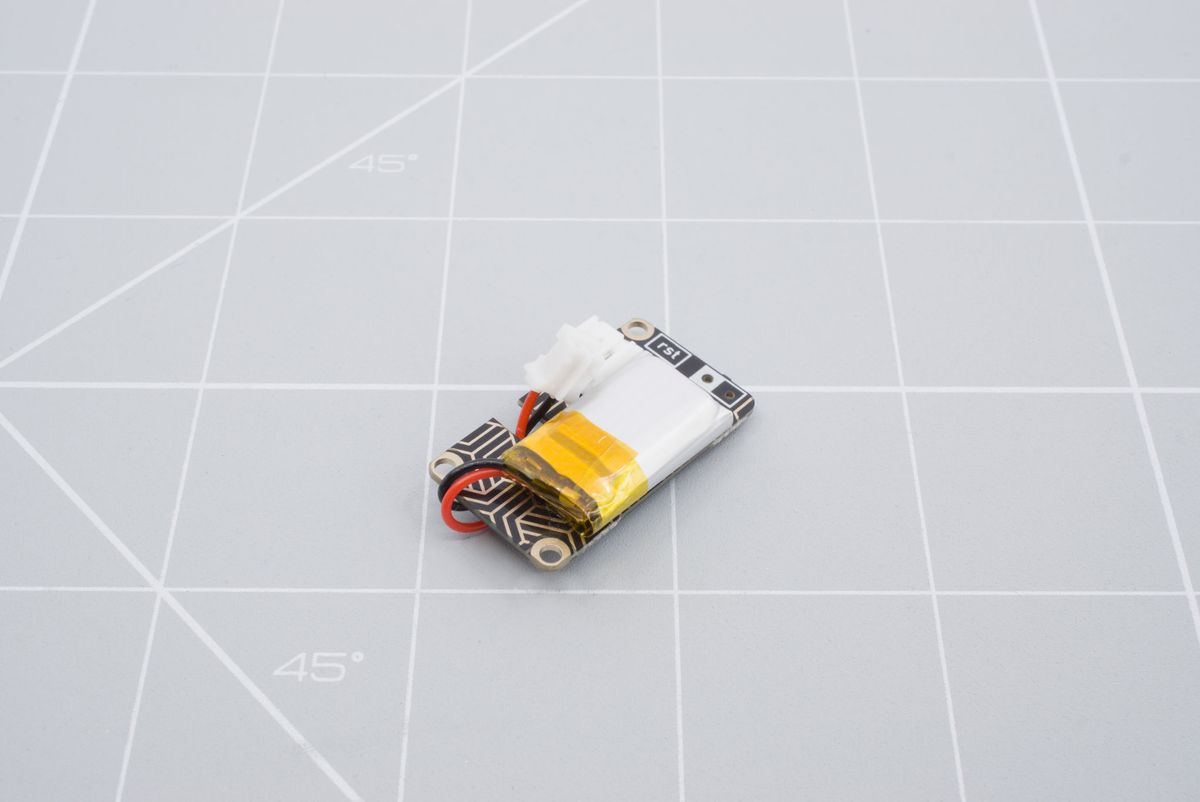
Routing the LiPo cable in to the battery board.
Before installing the battery completely, double-check the polarity. The black cable should go to the minus (-) and the red cable should go the plus (+).
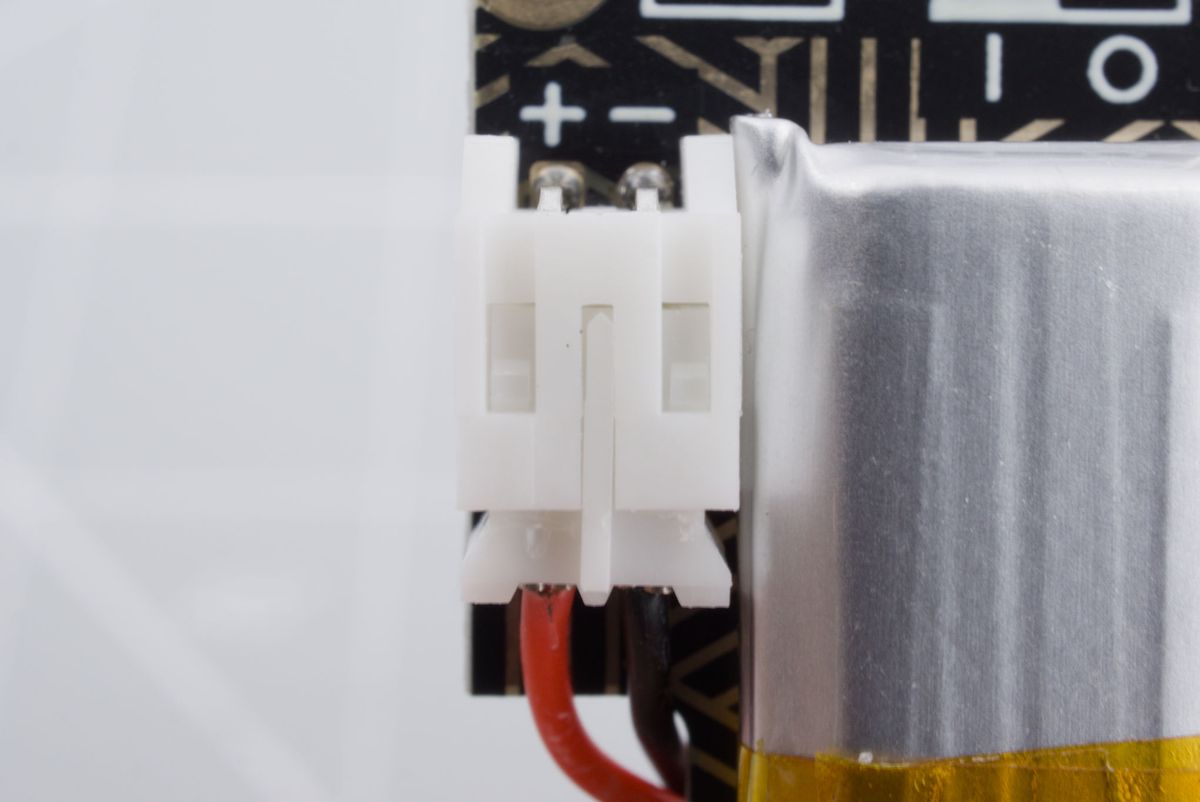
Double checking the polarity.
You've succesfully installed the LiPo battery. You can now return to the top of this page.
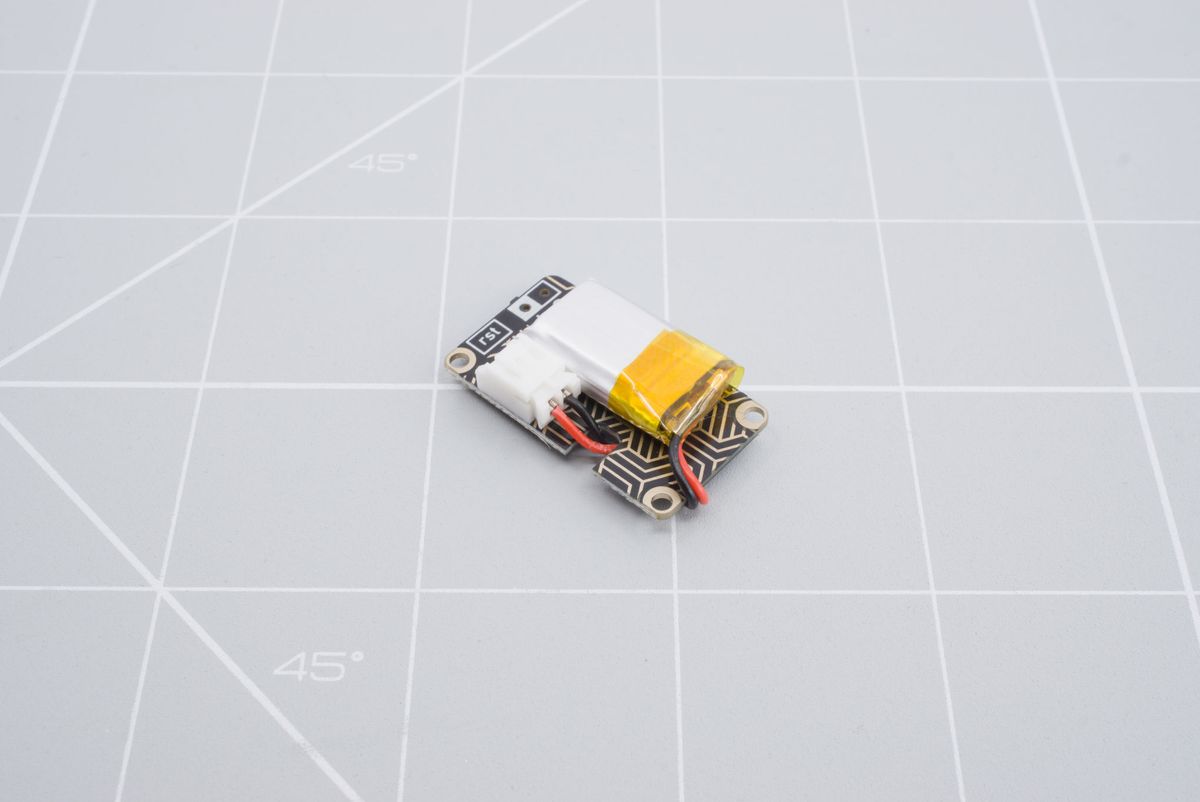
A 501220 battery installed on the LiPo battery board.
Installing another size battery
A 301230 battery, commonly used with the nice!nano microcontroller, can also fit on the battery board, albeit with a bit of an angle. You need to make sure the mounting screws are still accessible.
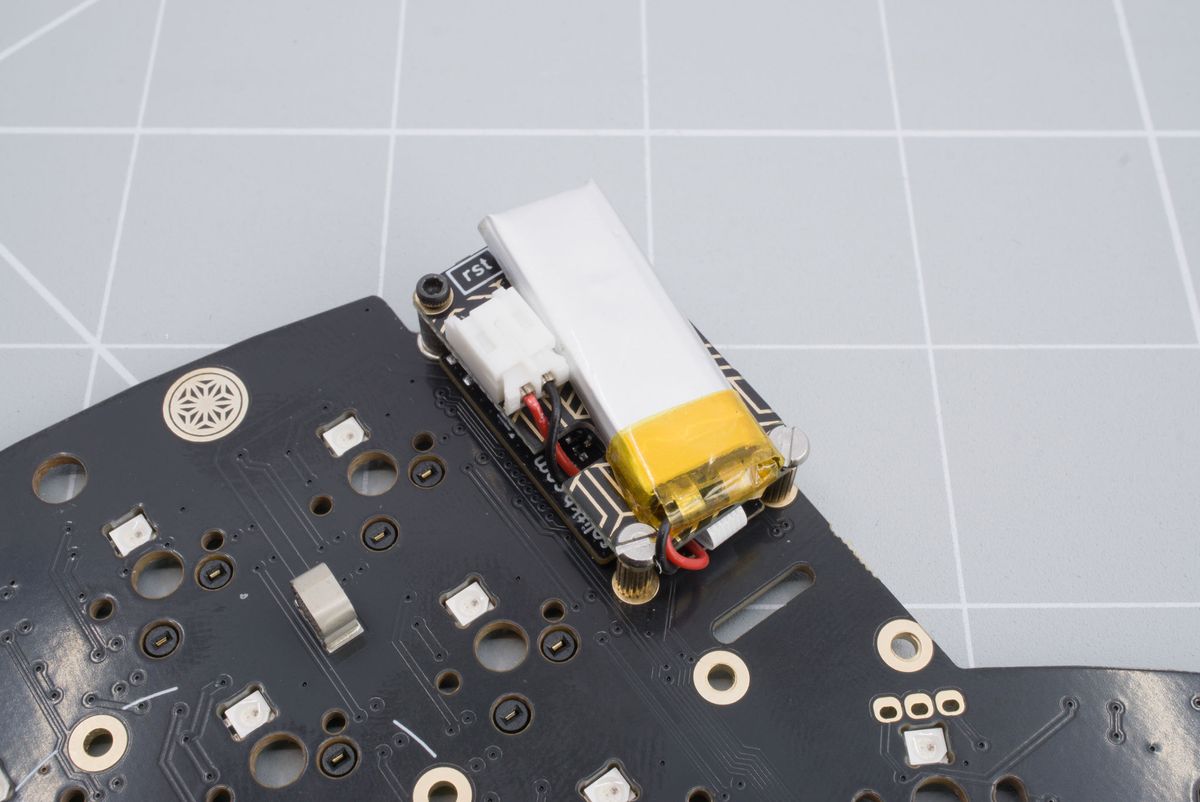
A 301230 battery installed on the LiPo battery board.
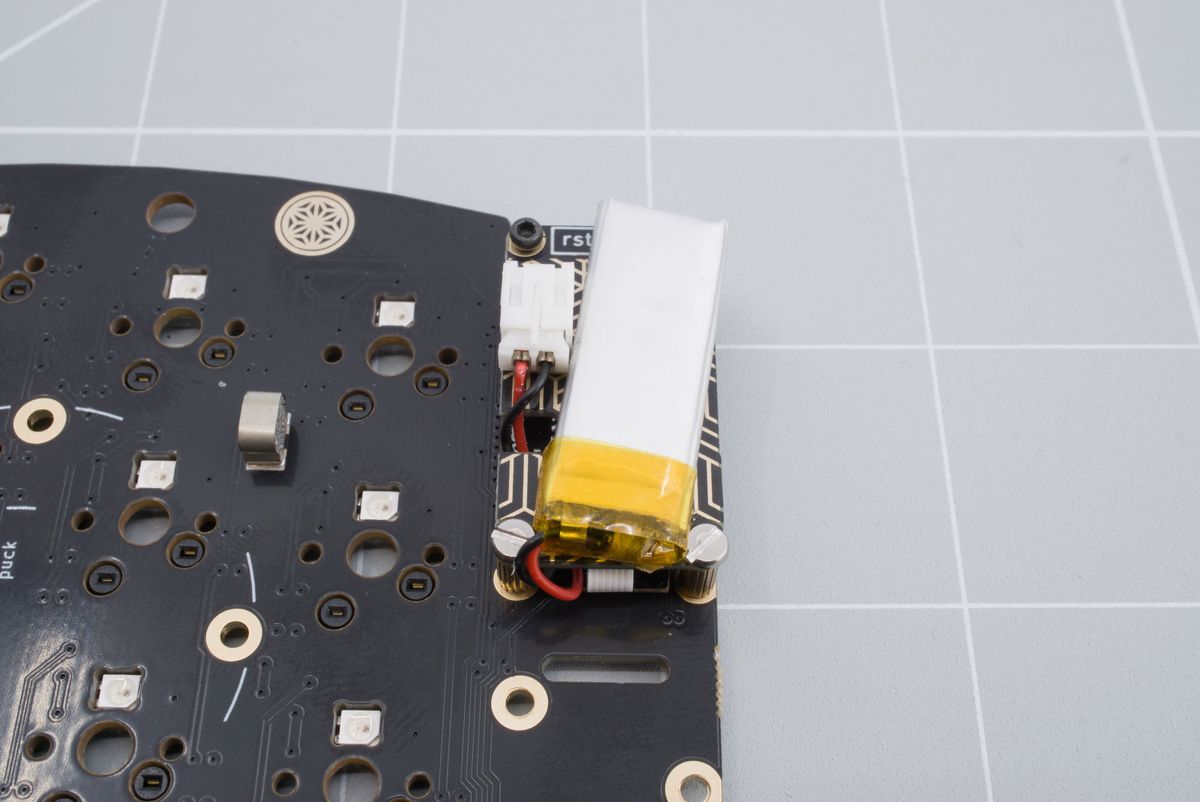
The angle of a 301230 battery installed on the LiPo battery board.